PERSONAL ENGINEERING LOGPATRICK MANNION / FIELDNOTES
// NOTES BY PATRICK MANNION
Software forthe factory floor. Notes from Patrick. Production data, unreliable integrations, AI experiments, and the work of leading a technical team. A notebook for working through the details.
THE PERSON BEHIND THE NOTES
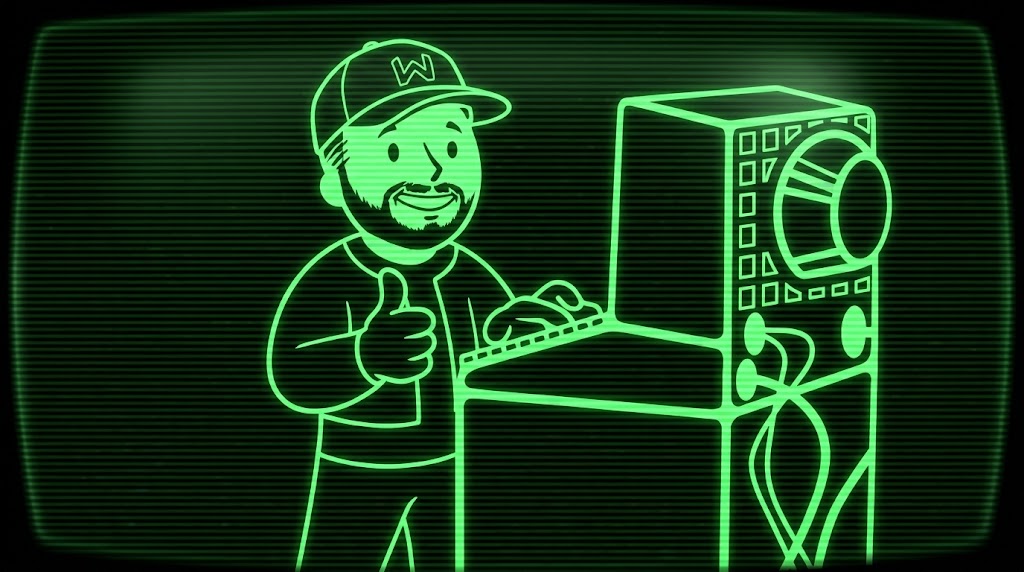
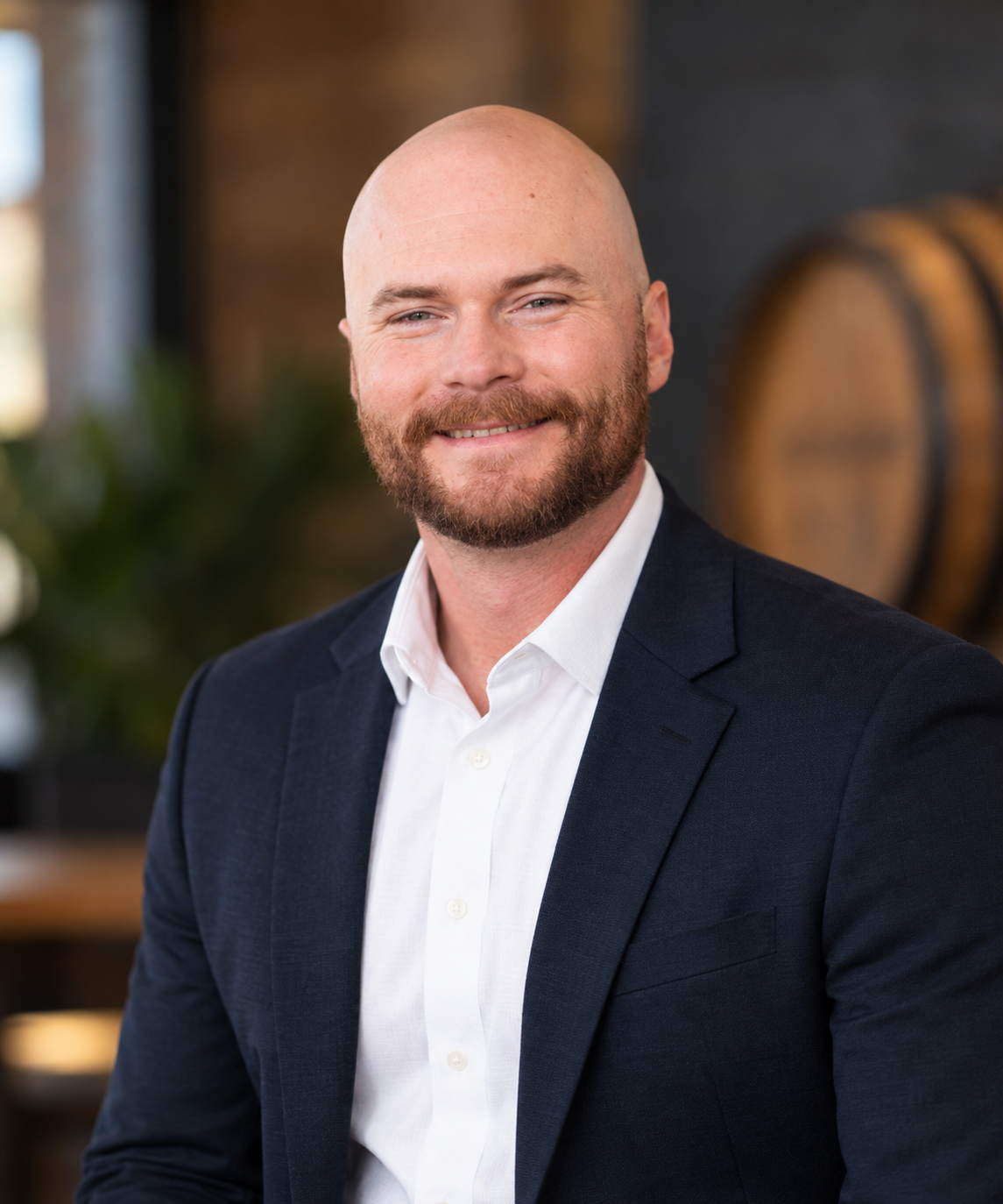
Hi, I’m Patrick. This is my notebook on industrial software, software development, and leading technical teams. Have a question or a different take? I’d like to hear it.
Read my bio → LinkedIn ↗ X ↗ GitHub ↗
INDUSTRIAL SOFTWARE + SOFTWARE DEVELOPMENT + LEADING TEAMS + AI & ML + THINKING OUT LOUD
01 / THE NOTEBOOK
Latest notes. PROBLEMS, DECISIONS & EXAMPLES
All notes 2 Industrial software Development Leadership AI & ML
Find a note /
* FEATURED NOTEFIELD NOTE
Industrial software Done means diagnosable ↗ A first field note on why production integrations are only done when the next person can trace stale data, retries, and ownership.
18 Sep 2026 3 min read
FIG. 01 / KNOW YOUR BOUNDARIES [ DEVELOPMENT ]
: : v [ SIMULATION ]
: : v [ PRODUCTION ]
TEST HERE. NOT OUT THERE. Industrial software FIELD NOTE
01 ICC 2026 Recap & Review ↗ Ignition Community Conference (ICC) 2026 Recap & Review
02 Oct 2026 7 min read
[ 0 RESULTS ] No matching notes. Try another topic or a different search.
Show all notes 2 notes in the notebook // END OF LOG
ELSEWHERE
Notes between notes. Shorter thoughts, conversations, and things I’m working on.
[ >_ ] LET’S TALK
What are you working on? A production-data problem, an integration that keeps breaking, or a team decision you’re weighing up. I’m interested in the details.
Book a call ↗ Choose an available time on the booking page. [ @ ] FOLLOW THE NOTEBOOK
Field notes. In your inbox. Get new notes on industrial software, development, and leading teams when they’re published.
A LITTLE LESS MOUSE esc
A familiar way to move around. All controls also work with a mouse or touch.
h / l Back / forward in browser history
j / k Next / previous visible note
enter Open the focused note
g g / G Top / bottom of page
/ or Ctrl/Cmd K Search the notebook
: Open the command line
? / esc Help / close a dialog Commands: :home, :lab, :about, :card, :qr, :theme green, :theme amber, :theme paper, :reboot. Turn off Vim navigation in the bottom-left status bar to disable single-key shortcuts. Ctrl/Cmd K always opens search.